

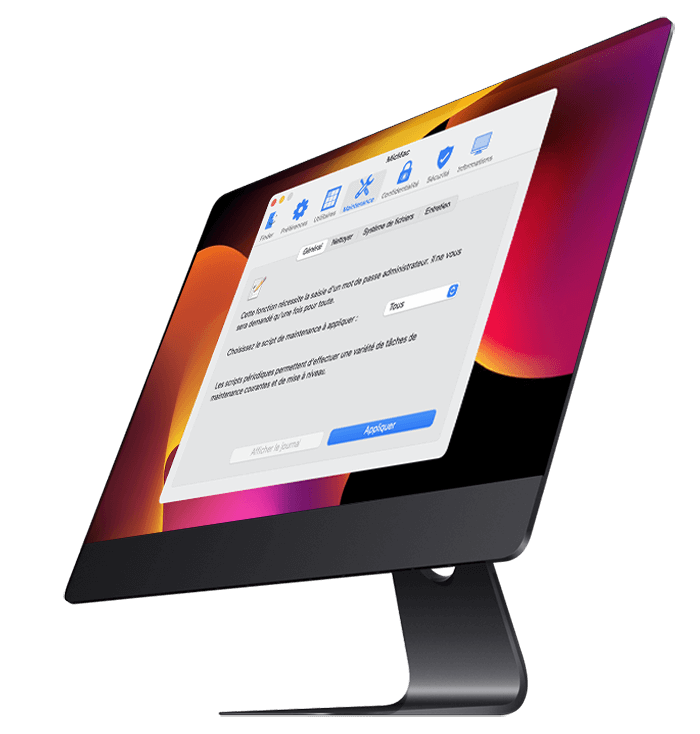
MicMac is a system utility
FREE multifunction for macOS
Free multifunction system utility for macOS that allows you to configure hidden settings for Finder, Dock, Safari and other Apple applications, perform major system maintenance operations, delete a number of files and folders that have become cumbersome or useless as well as Safari browsing traces which could prove to be indiscreet for your privacy...
MicMac also allows you to run a security diagnostic of the system and Apple applications and to consult a lot of intimate information about your hardware and your system.
All this intuitively, without having to resort to complex Terminal commands.

Optimize your
disk space
Get rid of large (DMG, etc.) or outdated files.
View, create and open your Time Machine backups.

Check Security
from your Mac
Run security element verification tests
of your Mac and its applications.

Perform maintenance
from your Mac
Run system cleanup scripts
Check the file system structure of macOS.
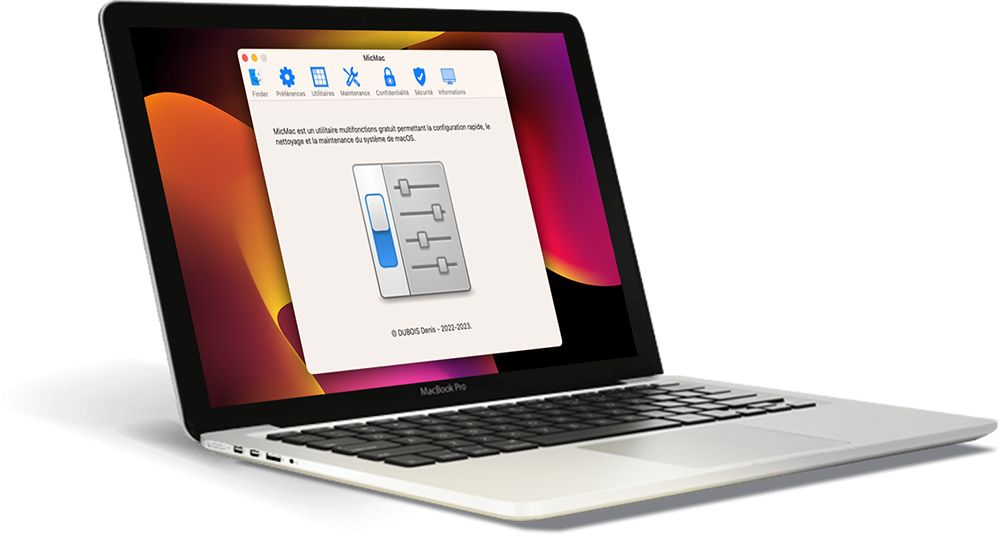

macOS Advanced Setup
Maintaining your Mac
Optimize your disk space
Check your Mac's security
Manage your files
Protect your privacy

MicMac is an application signed and notarized by Apple
MicMac is optimized for Apple Silicon Macs.
There is a specific MicMac version for each major system release. Use the version corresponding to your system and do not try to use an incompatible version of MicMac. This could cause damage and instability to your system.
The latest version offered is for macOS 27 Golden Gate.
Support my work
Here you can support my work with a donation.
paypal secure



Copyright © 2023 DUBOIS Denis - All rights reserved • Design Luis Santos - Horizon prémédia • Web hostingt Infomaniak